
ElectronicsBullet 5
MediumUL listed and military grade construction.
Certification claim with nothing on file
§ FTC Act §5 · NRTL certificateSuggested rewriteUpload the NRTL certificate, or remove both claims.
In five steps: bring in the catalog, let Verid8 work out what each product is, scan it against the rules that apply, fix what it finds, and stay compliant as rules change. Nothing touches Seller Central.
Paste listings or upload your Category Listings Report. Verid8 reads what you give it, so there is no Seller Central login to share.
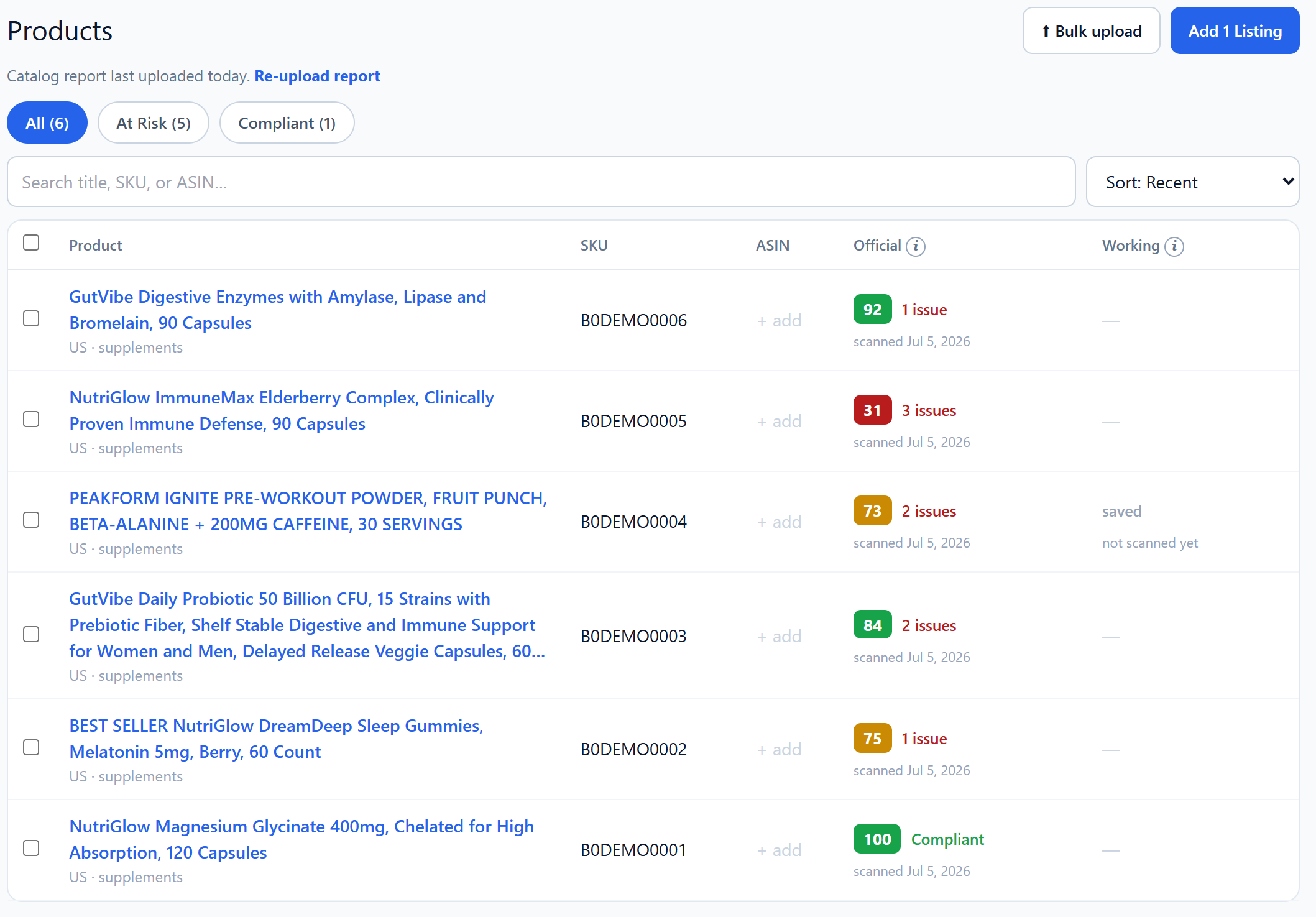
Each product is matched to a category and sub-type, which decides the rules and documents that apply. If it can’t tell, it asks.
Copy, images, label, A+ content and video transcripts are checked against every rule that applies. Each finding cites its rule.
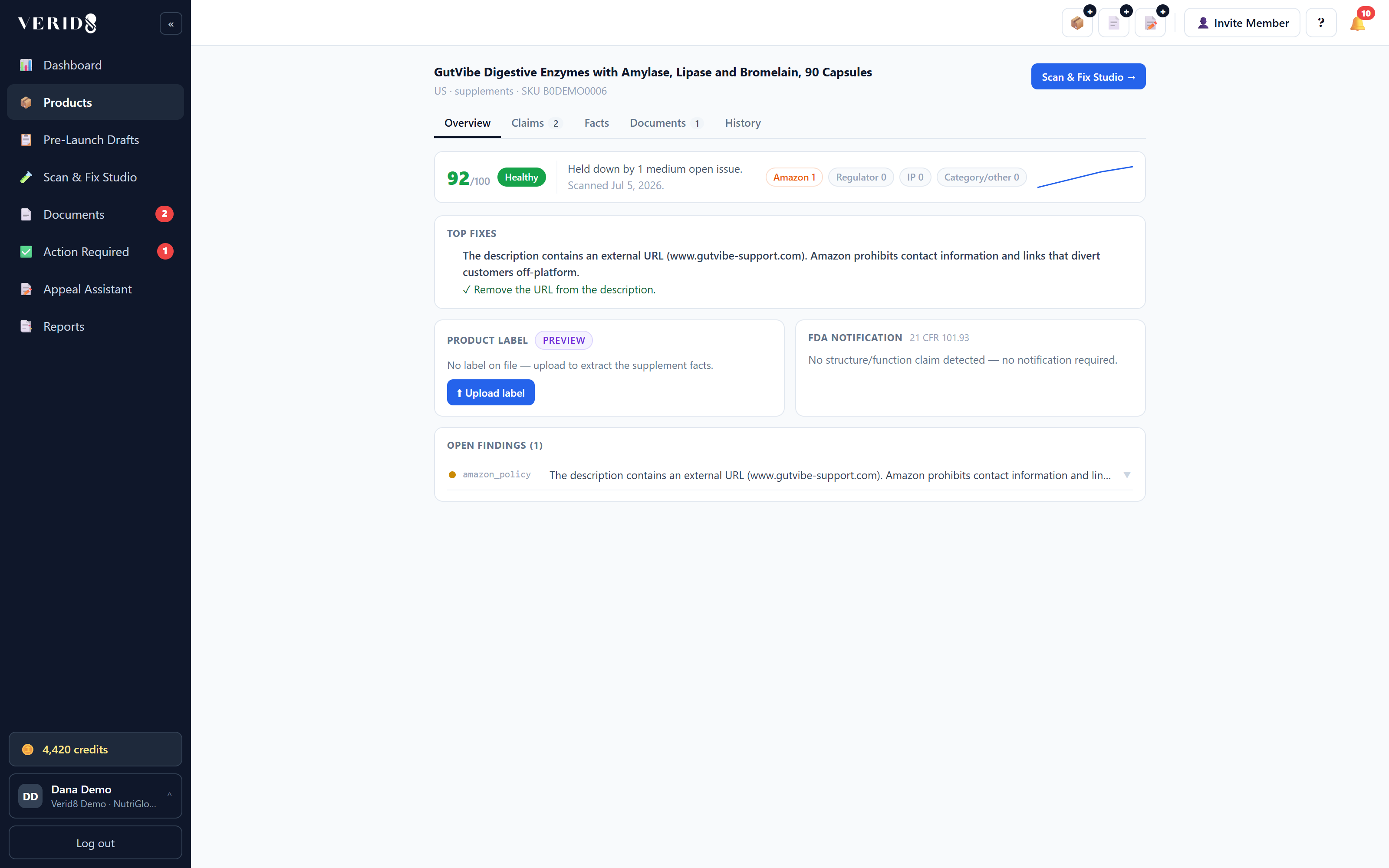
Open a listing in the Scan & Fix Studio, take or edit the rewrite, and rescan before you publish. You apply the change on Amazon yourself.
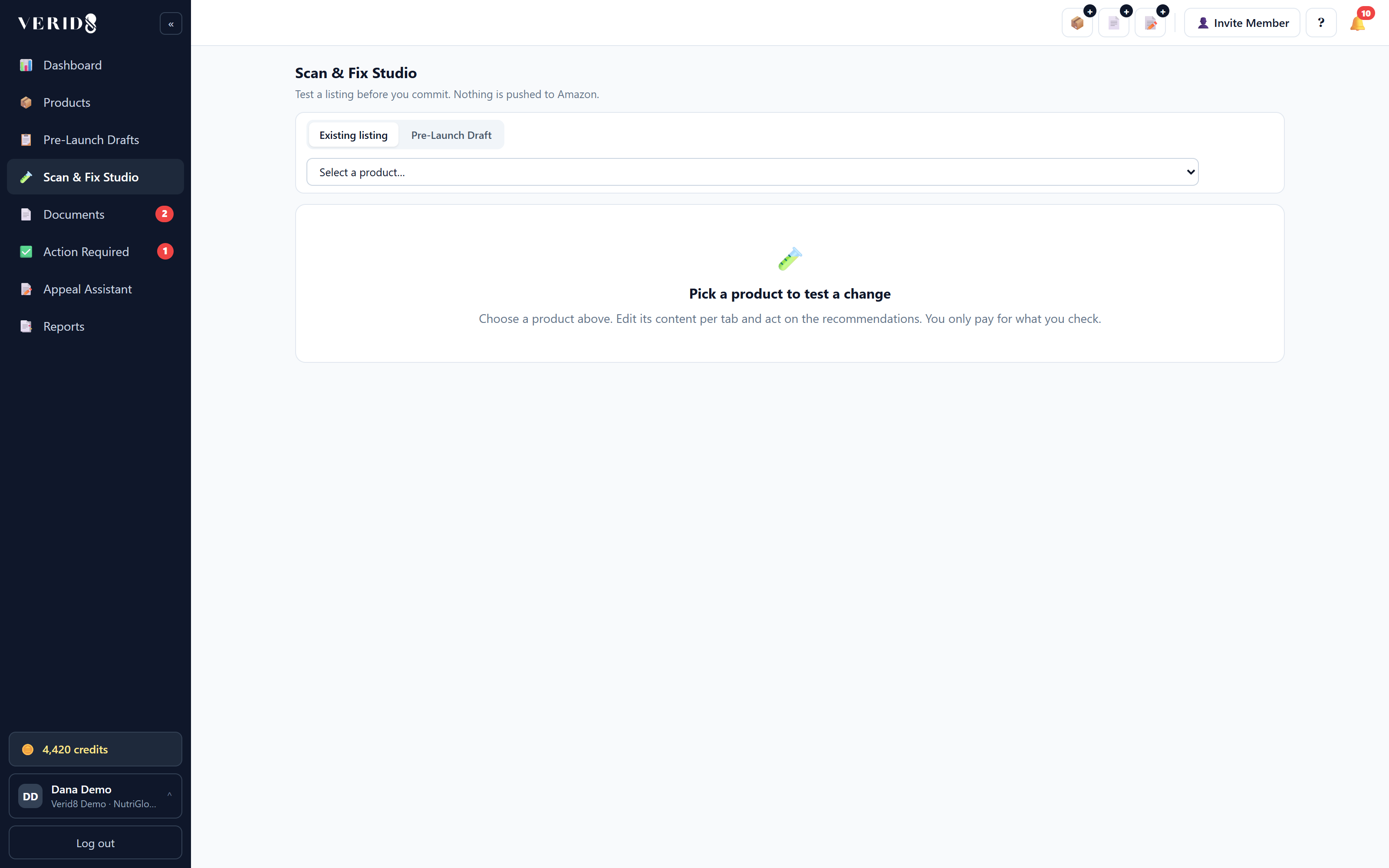
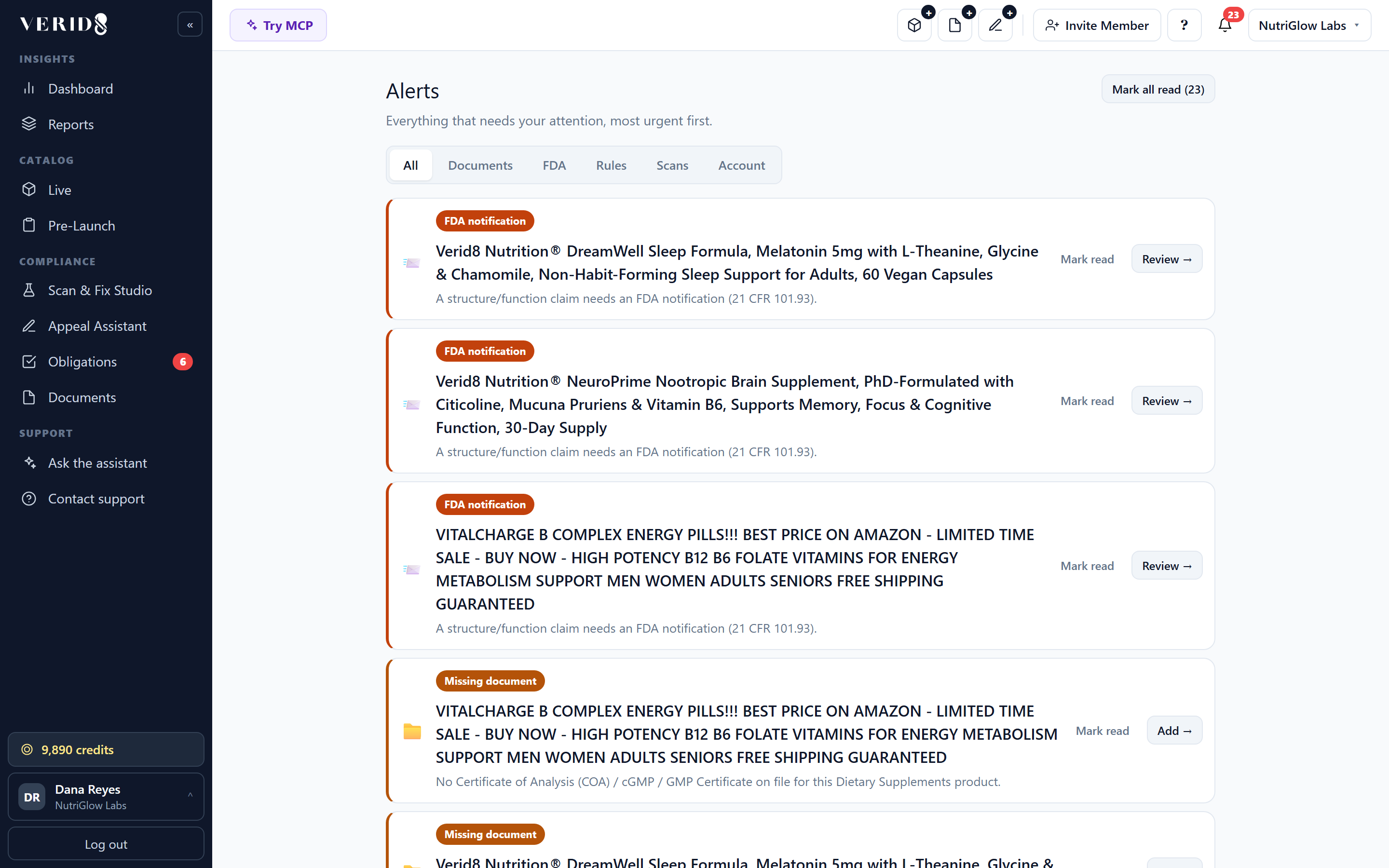
Regulator notices and Amazon policy changes are tracked daily. Alerts tell you which listings a change affects and which documents are due.
A listing splits into eight parts. Each is checked by one or more of three kinds of rule: deterministic checks for exact requirements, AI review for claims in text, and AI vision for images and labels.
UL listed and military grade construction.
The listing claims SPF 30, which makes a moisturizer an OTC sunscreen with a Drug Facts panel. The label image shows no Drug Facts. Which is right?
It reads the listing and images and matches the product to one of about 100 sub-types, which decides the rule pack and the documents it expects. When the evidence conflicts, it asks you. It never guesses.
40 credits for the listing text, plus 10 for each image.
Verid8 never connects to Seller Central. Each brand’s data is isolated, accounts support two-factor sign-in, and payments run through Stripe.
Security details →Paste one listing. See every finding, the rule it breaks and the rewrite, in about two minutes.